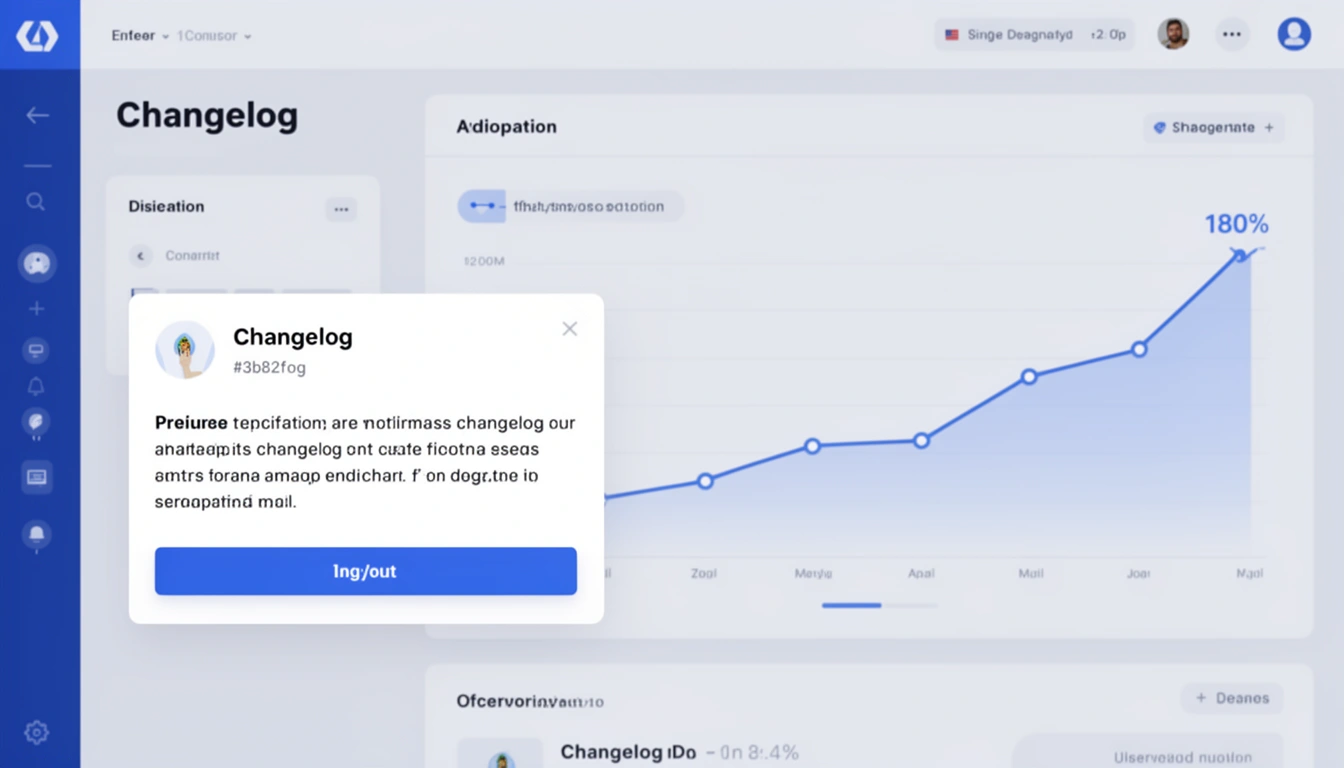
When you ship a new feature, the hardest part isn't building it it's getting users to actually use it. Despite investing weeks in development, most teams watch their adoption metrics flatline. The culprit? Users simply don't know the feature exists.
Recent data from SaaS analytics platforms reveals a startling truth: over 70% of new features go unnoticed by users in the first month post-launch. But companies leveraging in-app automated changelogs are seeing adoption rates surge by 180% or more. Here's why this approach works and how you can implement it today.
The Feature Discovery Gap: Why Traditional Announcements Fail
Traditional feature announcements suffer from three critical flaws:
Email fatigue: The average professional receives 121 emails daily in 2026. Your feature announcement drowns in this deluge, often unopened.
Disconnected timing: Users read emails away from your product, creating friction between awareness and action.
Zero context: Blog posts and newsletters lack the immediacy of showing users exactly where and how to use new functionality.
In-app changelogs eliminate these barriers by delivering updates at the moment of highest engagement: when users are actively working within your platform.
The Psychology Behind 180% Adoption Increases
In-app automated changelogs tap into several psychological principles that drive behavior change:
1. Contextual Relevance
When users see a changelog notification inside your application, they're already in "work mode" with your product. The cognitive load to try a new feature drops dramatically they can click through immediately rather than bookmarking for later (which 89% of users never revisit).
2. Visual Salience
A well-designed in-app changelog creates a pattern interrupt. Unlike email subject lines competing for attention, an in-app modal or slide-out panel commands focus without feeling intrusive. Users process visual information 60,000 times faster than text, making rich media changelogs exceptionally effective.
3. Reduced Friction
The fewer steps between awareness and trial, the higher your adoption rate. In-app changelogs can include direct links to new features, embedded tutorials, or interactive demos all within the user's current workflow. This seamless experience converts curiosity into action.
Real-World Results: Companies Crushing Feature Adoption
Consider these outcomes from teams implementing automated in-app changelogs:
A project management SaaS increased feature trial rates from 12% to 34% within the first week of launch by switching from email announcements to in-app notifications.
A CRM platform saw a 180% boost in adoption of their AI-powered contact scoring feature after implementing contextual changelog popups that appeared when users visited their contacts dashboard.
An analytics tool reduced support tickets by 40% by proactively announcing UI improvements and workflow changes through automated in-app updates.
The pattern is clear: proximity to action drives results.
Essential Components of High-Converting In-App Changelogs
Not all in-app changelogs perform equally. The highest-converting implementations share these characteristics:
Smart Timing and Frequency
Display changelogs at natural transition points immediately after login, when accessing a relevant feature area, or during idle moments. Avoid interrupting active workflows. Limit frequency to prevent notification fatigue; weekly digests often outperform daily alerts.
Segmentation and Personalization
Show users only changes relevant to their role, subscription tier, or usage patterns. A power user doesn't need basic feature tutorials, while a new user shouldn't see advanced API updates. Automated changelog systems can segment audiences based on behavior data.
Visual Hierarchy and Scanability
Use clear categorization (New Features, Improvements, Bug Fixes), bold headlines, and supporting screenshots or GIFs. Users should grasp the value proposition in 3-5 seconds of scanning.
Clear Calls-to-Action
Every changelog entry should include a specific next step: "Try it now," "Watch tutorial," or "Learn more." Vague announcements generate curiosity but not action.
Automation: The Secret to Sustainable Changelog Management
Manual changelog creation becomes unsustainable as release velocity increases. Teams shipping daily updates can't afford to craft custom announcements for each change. This is where automation transforms the game.
Modern automatic changelog platforms integrate with your development workflow to:
Pull commit messages and PR descriptions from version control systems
Categorize changes using AI-powered classification
Generate user-friendly descriptions from technical documentation
Schedule in-app notifications based on user segments
Track engagement metrics to optimize future announcements
This automation ensures consistency without sacrificing developer time. As one engineering lead noted: "We went from spending 4 hours per release on changelog writing to 15 minutes of review. Automation gave us time back for actual feature work."
Implementation Strategy: Your 30-Day Roadmap
Ready to boost your feature adoption? Follow this proven implementation path:
Week 1: Foundation
Audit your current changelog process and identify pain points
Define user segments and their information needs
Choose an automated changelog platform that integrates with your tech stack
Establish content guidelines for tone, length, and formatting
Week 2: Technical Integration
Connect your version control system to your changelog tool
Configure commit message parsing rules and categorization logic
Design in-app notification UI that aligns with your brand
Set up analytics tracking for changelog engagement metrics
Week 3: Content Optimization
Migrate historical changelogs into your new system
Create templates for common change types (features, fixes, improvements)
Train your team on writing commit messages that auto-generate quality changelogs
Build a library of visual assets (screenshots, GIFs, demo videos)
Week 4: Launch and Iterate
Soft launch with a small user segment to gather feedback
Monitor engagement rates, click-throughs, and feature adoption
A/B test notification timing, messaging, and visual treatments
Refine your approach based on data before full rollout
Need help getting started? Check out this step-by-step integration guide for detailed technical instructions.
Measuring Success: KPIs That Matter
Track these metrics to quantify the impact of your in-app changelog strategy:
Changelog view rate: Percentage of active users who open your changelog notifications
Click-through rate: Users who click on feature links or CTAs within the changelog
Feature adoption velocity: Time from release to 25% user adoption (compare before/after)
Support ticket reduction: Decrease in "how do I..." questions about new features
User satisfaction scores: NPS or CSAT improvements correlating with changelog initiatives
Teams consistently see view rates above 60% for in-app changelogs compared to 15-20% for email announcements a 3x improvement in baseline awareness.
Common Pitfalls to Avoid
Even with automation, these mistakes can undermine your results:
Technical Jargon Overload
Commit messages like "Refactored API endpoint for improved latency" mean nothing to end users. Your automation should translate technical changes into benefits: "Pages now load 40% faster."
Notification Fatigue
Showing every minor bug fix trains users to dismiss your changelogs. Filter for user-facing changes and batch minor updates into weekly digests.
Missing Context
Announcing "Added export functionality" without explaining where, why, or how leaves users confused. Always include the value proposition and access instructions.
One-Size-Fits-All Messaging
Power users and trial users have different needs. Segment your announcements to maintain relevance across your user base.
The Competitive Advantage of Changelog Excellence
In 2026's crowded SaaS landscape, feature velocity alone doesn't win markets feature *awareness* does. Your competitors are shipping updates too. The company that helps users discover and adopt those updates fastest gains the edge.
In-app automated changelogs create a virtuous cycle:
Users discover new features faster
Higher adoption proves feature value to your team
Product teams prioritize features with demonstrated demand
Users perceive your product as constantly improving
Retention and expansion revenue increase
This cycle transforms your changelog from a documentation chore into a growth engine for user engagement.
Taking Action: Start Small, Scale Fast
You don't need to overhaul your entire communication strategy overnight. Start with these quick wins:
This week: Add a simple "What's New" modal that appears on login for users who haven't visited in 7+ days
This month: Implement basic automation that pulls from your commit history
This quarter: Build segmentation rules and optimize based on engagement data
The teams seeing 180% adoption increases didn't start with perfect systems they started with commitment to meeting users where they are: inside the product.
Your features deserve better than to languish in obscurity. Give them the visibility boost that in-app automated changelogs provide, and watch your adoption metrics soar.
Ready to transform your feature adoption rates? Explore how automated changelog tools can integrate seamlessly into your workflow and start converting every release into a growth opportunity.
Published with LeafPad